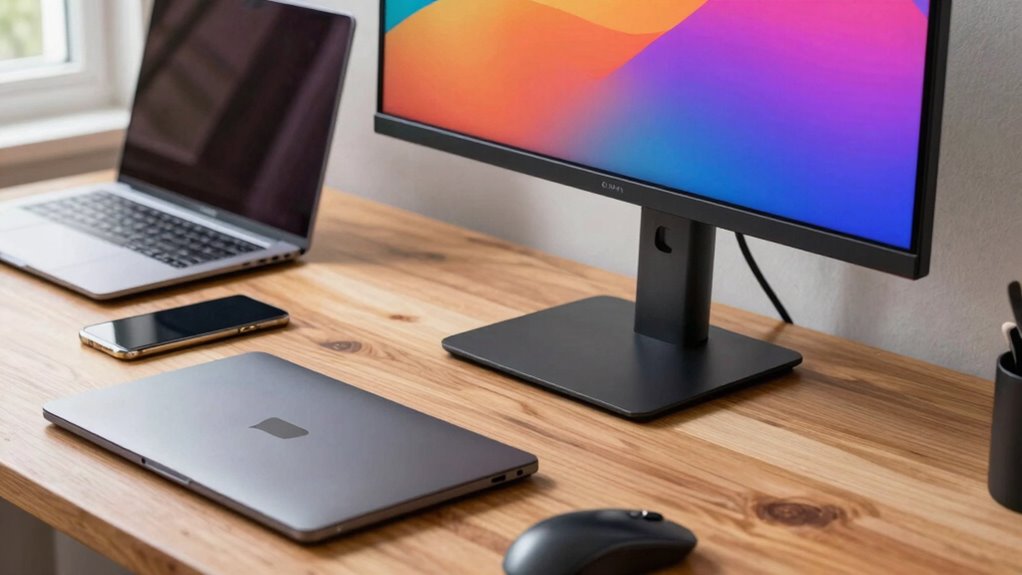

A portable monitor can be a useful upgrade, especially if you often work remotely or love gaming on the go. It gives you extra screen space without adding bulk to your bag, boosting productivity and making entertainment more enjoyable. While carrying an extra device might seem like a hassle, the convenience and flexibility often outweigh the inconvenience. To discover if it’s a good fit for your needs, explore more about how these devices can fit into your lifestyle.

Get travel and outdoor gear delivered free with Prime
- Fast, free delivery on millions of items
- Prime Video, Amazon Music and more included
- Member-only deals all year
Key Takeaways
- Portable monitors expand workspace and boost productivity without the bulk of traditional screens.
- They are lightweight and easy to carry, making them suitable for frequent travelers and remote workers.
- Ideal for gaming on the go, offering larger screens and fast response times for enhanced entertainment.
- Consider whether the convenience outweighs the added weight and extra device to carry.
- Not necessary for everyone; their usefulness depends on individual multitasking and entertainment needs.
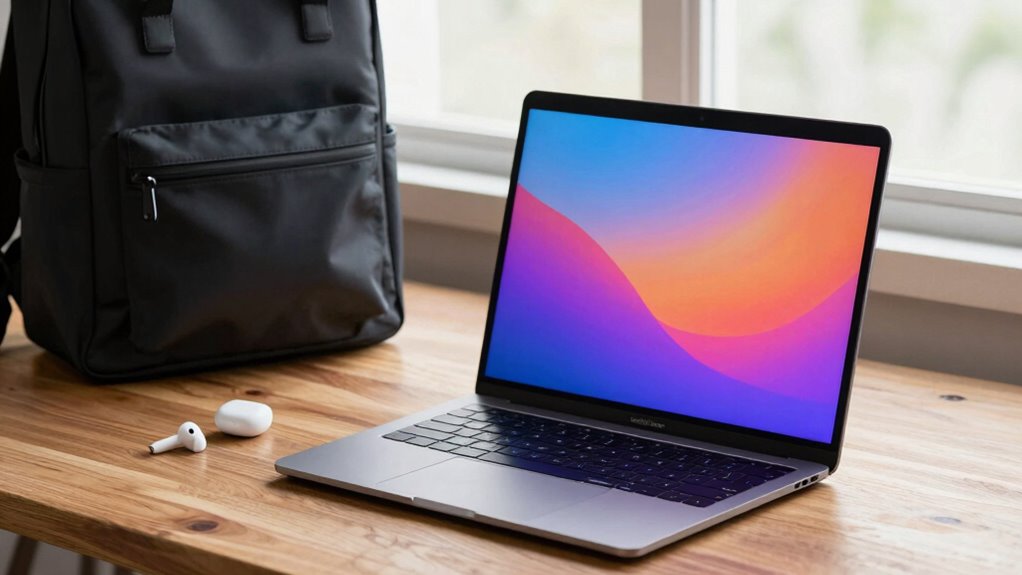
Have you ever wished for a larger screen that’s easy to carry anywhere? Portable monitors make that wish a reality, giving you extra display space without the bulk of traditional screens. They’re designed to be lightweight and compact, fitting into your bag or backpack alongside your laptop and other essentials. This portability means you no longer need to be tethered to a single workstation—your workspace can expand wherever you go.
Portable monitors offer extra screen space on the go, enhancing productivity and entertainment without added bulk.
When it comes to office productivity, a portable monitor can be a game-changer. Imagine working on a complex spreadsheet or multitasking between multiple applications with ease. Instead of switching back and forth between tabs or windows, you can have a second screen right beside your laptop, improving flow and reducing frustration. For remote workers or those who often travel for meetings, this upgrade can boost efficiency, making it easier to handle tasks quickly and stay organized. The setup is straightforward—just connect via USB-C or HDMI, and you’re ready to go. Many models even come with adjustable stands and protective cases, turning a simple device into a versatile workspace extension.
On the gaming front, portable monitors open up new possibilities for gaming accessories enthusiasts. You can enjoy your favorite games on a larger screen, even when you’re away from your main setup. Some models feature fast refresh rates and low response times, which are critical for an immersive gaming experience. Plus, their portability means you can bring your gaming rig to a friend’s house or a LAN party without lugging around a bulky monitor. This flexibility can elevate your gaming sessions, making them more social and engaging. Whether you’re into casual gaming or competitive eSports, a portable monitor can be a practical addition to your gear.
However, considering a portable monitor as just another gadget might overlook its true value. It’s an investment that can enhance productivity during workdays and add fun to your leisure time. Still, it’s worth weighing its benefits against the inconvenience of carrying an extra device. If you already travel frequently or work in settings that demand multitasking, a portable monitor could streamline your workflow and improve your gaming experience. But if your current setup suffices and portability isn’t a concern, it might be an unnecessary addition. Ultimately, it’s about how much you’ll use it and whether the convenience outweighs the extra weight in your bag. Additionally, understanding portable monitor technology can help you choose the best model for your needs.
Products Worth Considering

Samsonite Winfield 2 20-Inch Hardside Carry-On Spinner Luggage, Charcoal

Amazon Kindle Paperwhite (12th Generation, 2024), 16 GB, 7-inch Display, Jade
Amazon Kindle Paperwhite (2024), 16 GB, 7-inch Display, Jade
As an affiliate, we earn on qualifying purchases.
Frequently Asked Questions
How Durable Are Portable Monitors for Travel?
Portable monitors are generally durable enough for travel if you consider screen protection and weight considerations. Many models have sturdy cases or come with protective covers that shield the screen from scratches and bumps. Keep the monitor lightweight for easy carrying, but don’t sacrifice protection. Handle it carefully, avoid dropping, and store it properly when not in use. This way, your portable monitor can withstand travel without suffering damage.
Can Portable Monitors Be Used Outdoors Effectively?
Think of your portable monitor as a loyal companion in the sun’s harsh glare. Yes, you can use it outdoors effectively, but outdoor visibility depends on its brightness and anti-glare features. Sunlight glare can obscure the screen, so look for models with high brightness levels and matte finishes. With the right features, your portable monitor becomes a window to the world, even under the blazing sun.
What Is the Average Battery Life of Portable Monitors?
The average battery life of portable monitors typically ranges from 3 to 8 hours, depending on battery capacity and usage. You can extend this by managing your screen brightness and avoiding intensive tasks. Charging methods vary—most use USB-C or micro-USB, allowing you to recharge with portable power banks or wall adapters. Keep an eye on your monitor’s battery percentage, and carry a compatible charger for longer work sessions on the go.
Are Portable Monitors Compatible With Gaming Consoles?
Yes, portable monitors are compatible with gaming consoles, thanks to their versatile console connectivity options like HDMI or USB-C. You can easily connect your gaming console to a portable monitor for a larger display on the go. Just make certain the monitor supports your console’s connection type and has the necessary ports. This setup offers enhanced gaming compatibility, making it a convenient upgrade for gaming enthusiasts who want portability without sacrificing screen size.
Do Portable Monitors Require Special Software or Drivers?
Think of portable monitors like a new app on your phone—they usually don’t need special software or drivers to work. Most are plug-and-play, meaning they automatically connect to your device. However, some models might have specific software compatibility or driver requirements for advanced features. For example, a touchscreen model may need drivers for full functionality. Overall, most portable monitors are easy to set up without extra fuss.
Conclusion
So, are portable monitors worth the extra carry? If you’re like the 65% of remote workers who say they need better multi-tasking tools, then investing in one can boost your productivity considerably. With their lightweight design and growing affordability, they’re becoming more practical. Just remember, weighing how often you’ll use it against the added weight is key. Ultimately, a portable monitor could be the upgrade that makes your work life easier—if you’re ready to carry a little more.