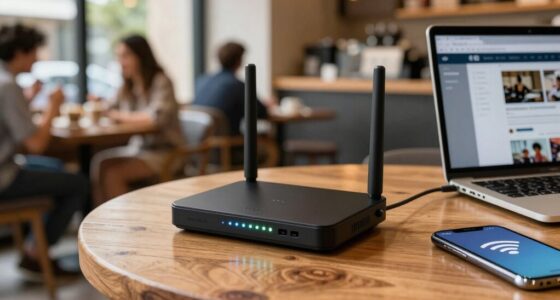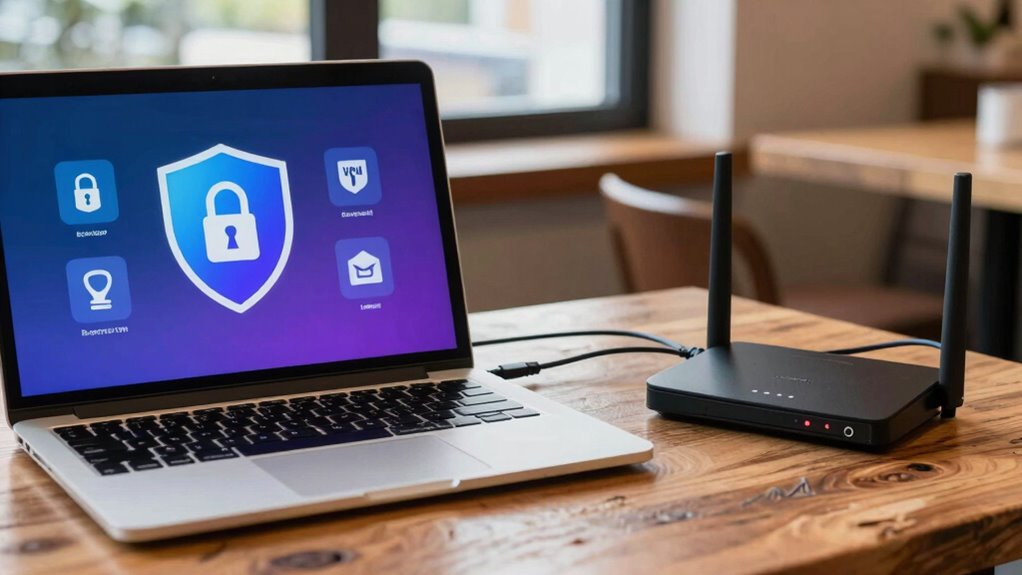

On your trips, VPNs and router security work together to keep you safe. A VPN encrypts your online activities, protecting your data from hackers on unsecured networks like cafes or airports. Router security shields your entire local network by preventing unauthorized devices from connecting. Both are essential because VPNs secure your online privacy, while routers create a trusted network environment. If you want to discover how these tools complement each other, keep exploring the details.

Get travel and outdoor gear delivered free with Prime
- Fast, free delivery on millions of items
- Prime Video, Amazon Music and more included
- Member-only deals all year
Key Takeaways
- VPN encrypts your internet traffic, safeguarding data from interception on unsecured networks during travel.
- Router security controls local device access and prevents intrusions within the Wi-Fi network.
- VPNs protect all online activities across networks, while routers secure the local network environment.
- Combining VPN and router security offers layered protection for data privacy and network integrity.
- VPNs are essential for privacy on public Wi-Fi; routers ensure trusted device access within your network.
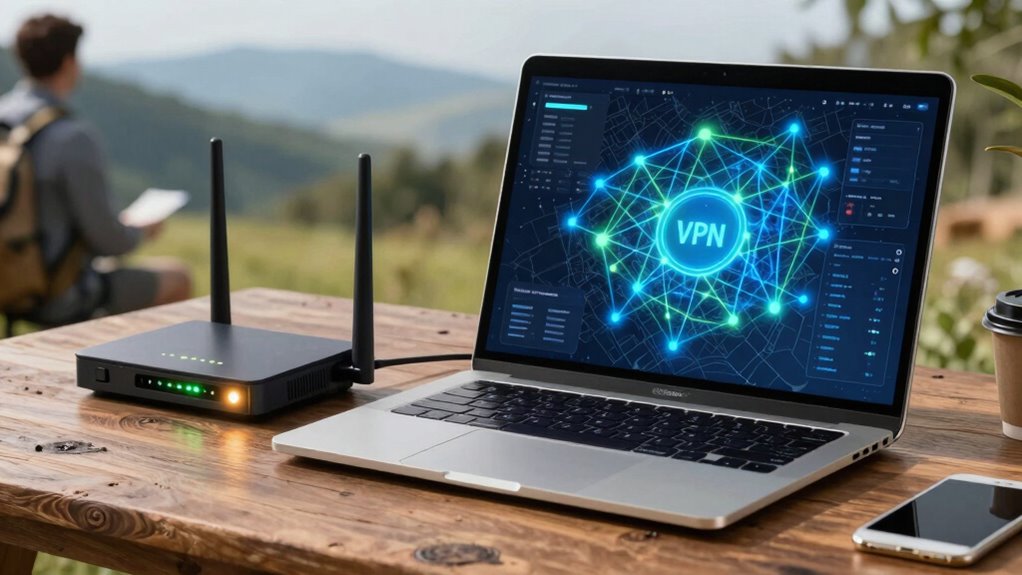
When it comes to protecting your online activities, understanding the difference between VPN and router security is essential. Both aim to safeguard your data, but they do so in different ways and offer varying levels of protection, especially when you’re traveling. Let’s start with what each one does and how they help keep you safe on the go.
Understanding VPNs and routers is key to securing your online activity, especially when traveling.
A VPN, or Virtual Private Network, encrypts your internet traffic from your device to the VPN server. This process is called network encryption, and it’s fundamental because it ensures that anyone trying to intercept your data — like hackers on a public Wi-Fi — can’t read it. When you connect to a VPN, all your online activities are wrapped in an encrypted tunnel, making it virtually impossible for outsiders to see what you’re doing, whether it’s browsing, messaging, or online banking. Additionally, many VPN services incorporate device authentication, which verifies your identity when connecting. This means only authorized devices can access the VPN, adding an extra layer of security and preventing unauthorized access.
In contrast, router security primarily focuses on protecting your entire network at the device level. A secure router uses features like WPA3 encryption to shield your Wi-Fi signals and prevent outsiders from connecting without permission. It also employs device authentication protocols, such as passwords or certificates, to ensure only trusted devices can connect to your network. When you’re traveling, a well-secured router can act as a gatekeeper for all devices connected to it, preventing unauthorized devices from accessing your network and intercepting data. However, router security alone doesn’t encrypt your internet traffic once it leaves the local network; it mainly protects against intrusions and unauthorized access at the network level. Implementing advanced encryption standards on your router can further enhance its protective capabilities.
While both VPN and router security are fundamental, they serve different purposes. VPNs are excellent when you need to encrypt your data on unsecured networks, like cafes or airports, and maintain privacy across all your online activities. On the other hand, a secured router creates a trusted environment within your local network, preventing intruders from gaining access in the first place. When traveling, combining both can be ideal: use a VPN for encryption and privacy, and ensure your router has robust device authentication and encryption to keep your local network safe from intrusions.
Ultimately, protecting your online activities while traveling involves layers of security. VPNs provide strong network encryption and device authentication at the device level, whereas a secure router safeguards your entire local network. Knowing how they complement each other helps you make smarter choices, ensuring your data stays private and your devices remain protected wherever you go.
Frequently Asked Questions
Can Using Both VPN and Router Security Double My Protection?
Using both a VPN with strong encryption and updated router firmware can substantially boost your protection. The VPN encrypts your data, making it unreadable to outsiders, while the router’s security features help block malicious threats at your network’s entry point. Together, they create layered defenses, reducing risks on trips. Keep your router firmware current and always choose a reputable VPN to maximize your security and privacy.
Is Free VPN Sufficient for Travel Security?
Free VPNs often have limitations that can compromise your travel security, so they’re usually not sufficient. They may lack strong encryption, keep logs, or have bandwidth caps, leaving you vulnerable. While they’re convenient and cost-free, for better protection, you should consider a reputable paid VPN. That way, you get stronger encryption, no logs, and reliable service—essential features when you’re on the go and need real security.
How Does Device Type Affect VPN and Router Protection?
Think of your device as a key to a secure vault—its compatibility determines whether you can access top-tier protection. Different devices, like smartphones or laptops, have varied encryption standards, affecting how well VPNs and routers shield your data. When traveling, make certain your device supports strong encryption and is compatible with your security tools, so your personal information remains locked tight, no matter where your journey takes you.
Are Public Wi-Fi Hotspots Safe With VPN or Router Security?
Public Wi-Fi hotspots can be risky, but using a VPN with strong encryption protocols greatly boosts your security. It encrypts your data, making it unreadable to hackers. Make sure your device is compatible with the VPN you choose. While a router with security features can help, a VPN provides more direct protection for your device on public networks, helping you stay safe from potential threats while browsing or sharing sensitive information.
What Are the Risks of Misconfigured VPNS or Routers During Travel?
Misconfigured VPNs or routers during travel can expose you to VPN vulnerabilities and network risks. If your VPN isn’t set up correctly, your data might not be encrypted, leaving it open to interception. Similarly, a poorly configured router can create security gaps, allowing hackers access to your devices or sensitive information. Always double-check your VPN settings and router configuration to guarantee your connection stays protected and minimize these risks.
Conclusion
Ultimately, choosing between a VPN and router security depends on your travel needs. Think of a VPN as your digital knight, shielding your data like armor in a medieval castle, while router security is your fortress’s sturdy walls, keeping intruders out. Together, they form a reliable barrier on your journeys. Remember, just like a trusty steed, combining both gives you peace of mind—so you can focus on your adventure, not the shadows lurking in the digital forest.
Fall Picks
fall essentials
As an affiliate, we earn on qualifying purchases.