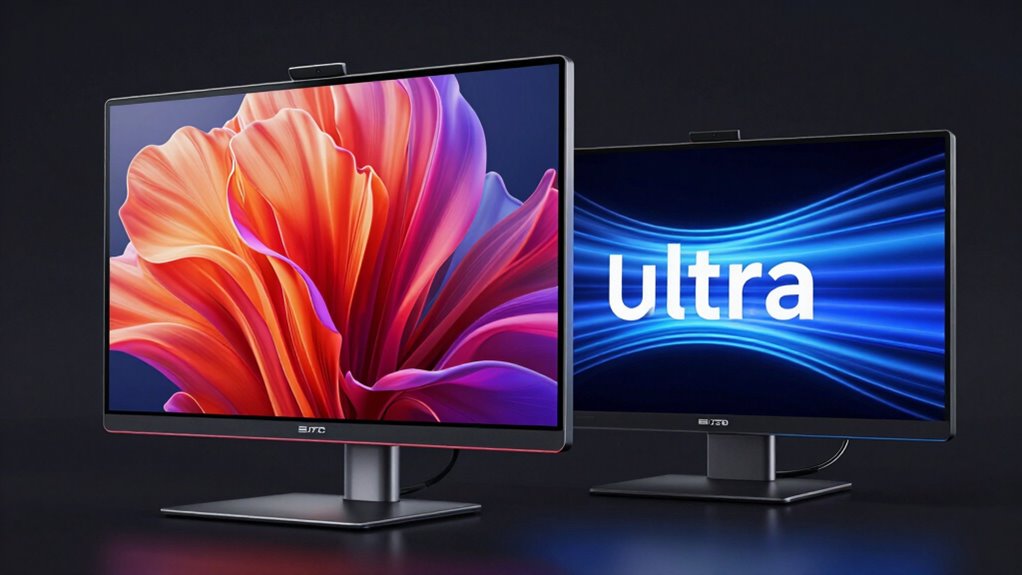
When choosing a portable monitor, balance your needs between resolution and refresh rate. If you’re into gaming or fast-paced videos, prioritize a higher refresh rate (120Hz or more) for smoother action. For photo editing or media consumption, a higher resolution (QHD or 4K) offers sharper visuals. Keep in mind, higher specs consume more power, impacting battery life. To find the best fit, consider your typical usage, and explore the details that follow to make an informed choice.
Key Takeaways
- Prioritize high refresh rates (120Hz-144Hz) for smooth gaming experiences, especially in fast-paced titles.
- Choose higher resolutions (4K, QHD) for sharper visuals suited for media editing and detailed viewing.
- Balance power consumption by matching refresh rate and resolution to battery capacity and usage needs.
- Consider your main use case—gaming, media, or professional work—to determine the optimal combination.
- Opt for moderate specs if you need a balance between performance, portability, and battery life.
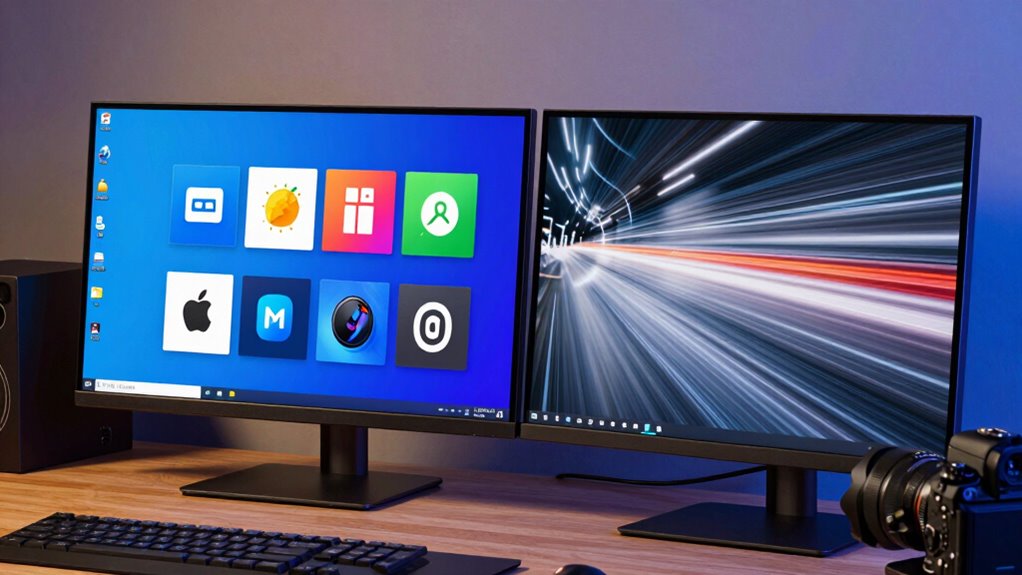
Are portable monitors the game-changer you’ve been searching for to boost your productivity on the go? If you’re considering one, understanding the importance of resolution versus refresh rate can make all the difference in your experience. These two specs are essential, but choosing the right one depends on how you plan to use your monitor. For instance, if you’re into gaming, especially fast-paced titles, you’ll want to prioritize refresh rate. A higher refresh rate, like 120Hz or 144Hz, ensures smoother motion and reduces motion blur, considerably enhancing gaming performance. This means less lag and more fluid gameplay, which is critical in competitive or action-packed scenarios. However, higher refresh rates can impact battery life, draining power faster, so you need to weigh how much portability matters against gaming needs.
On the other hand, resolution determines how sharp and detailed your display appears. A higher resolution, such as 4K or QHD, provides crisp images and vibrant visuals, making it ideal for editing photos, watching videos, or working on detailed design projects. But keep in mind, a higher resolution can also demand more from your device’s GPU, potentially affecting gaming performance if your hardware isn’t equipped to handle it smoothly. Plus, higher resolution screens tend to consume more power, which can reduce the overall battery life of your portable monitor. If you’re frequently on the move and rely heavily on battery-powered devices, choosing a monitor with a balanced resolution might be more practical. Additionally, understanding the power consumption of your monitor can help you make better choices for extended use. The key is to match your needs with the right specifications. If gaming performance is your top priority, opt for a monitor with a high refresh rate, even if it means settling for a slightly lower resolution. Conversely, if your main goal is detailed visual work or media consumption, focusing on resolution makes more sense. It’s also worth considering that some portable monitors offer a compromise—moderate refresh rates combined with high resolution—to give you decent gaming performance without overly sacrificing battery life. Always check how the monitor’s specifications align with your device’s capabilities and your typical usage patterns.
Frequently Asked Questions
How Does Screen Size Impact Portability and Usability?
You should consider screen size considerations because larger monitors offer more screen real estate but reduce portability due to increased weight and bulk. Smaller screens are easier to carry and fit into bags, enhancing portability, but may limit usability for detailed work or multitasking. Balancing these portability trade-offs helps you choose a portable monitor that fits your needs without sacrificing convenience or functionality.
Are There Specific Brands Known for High-Quality Portable Monitors?
You’ll find brands like ASUS, AOC, and Lenovo stand out for high-quality portable monitors due to their strong reputation for durability and performance. These brands often offer reliable warranty coverage, giving you peace of mind. You can trust their products for clear resolution and smooth refresh rates, making them ideal for work or entertainment on the go. Always check customer reviews and warranty details to guarantee you choose the best option for your needs.
What Connectivity Options Are Available for Portable Monitors?
You’ll find portable monitors offer versatile connectivity options like USB-C compatibility and HDMI support, making setup quick and easy. With USB-C, you get fast data transfer, power delivery, and seamless device connection. HDMI support ensures compatibility with laptops, gaming consoles, and other devices. Some models also include USB-A ports or DisplayPort, providing flexibility for various needs. Choose a monitor that supports your devices for a smooth, hassle-free experience.
Can Portable Monitors Be Used for Gaming Effectively?
Yes, portable monitors can be great for gaming if you prioritize gaming performance and display quality. Look for a monitor with a high refresh rate, ideally 120Hz or higher, to guarantee smooth gameplay. Also, choose one with good resolution, like 1080p or higher, for sharp visuals. Keep in mind that response time and connectivity options like HDMI or USB-C also impact your gaming experience on a portable monitor.
How Does Battery Life Vary Between Resolution and Refresh Rate?
Higher resolution and refresh rates markedly impact battery life, with some monitors experiencing up to 30% faster battery drain at higher settings. You’ll notice that increased resolution demands more power for pixel rendering, while a higher refresh rate consumes extra energy to update the display more frequently. To maximize power efficiency, consider balancing resolution and refresh rate based on your usage, as this directly affects how long your portable monitor lasts between charges.
Conclusion
When choosing a portable monitor, prioritize what matters most to you—resolution for clear visuals or refresh rate for smooth motion. Consider your needs carefully—whether gaming, working, or streaming—and weigh the benefits of each feature. Remember, higher resolution enhances detail, while a higher refresh rate ensures fluidity. Make your decision based on your priorities—clarity or motion, detail or smoothness—because comprehending your preferences will lead you to the perfect portable monitor that fits your lifestyle.