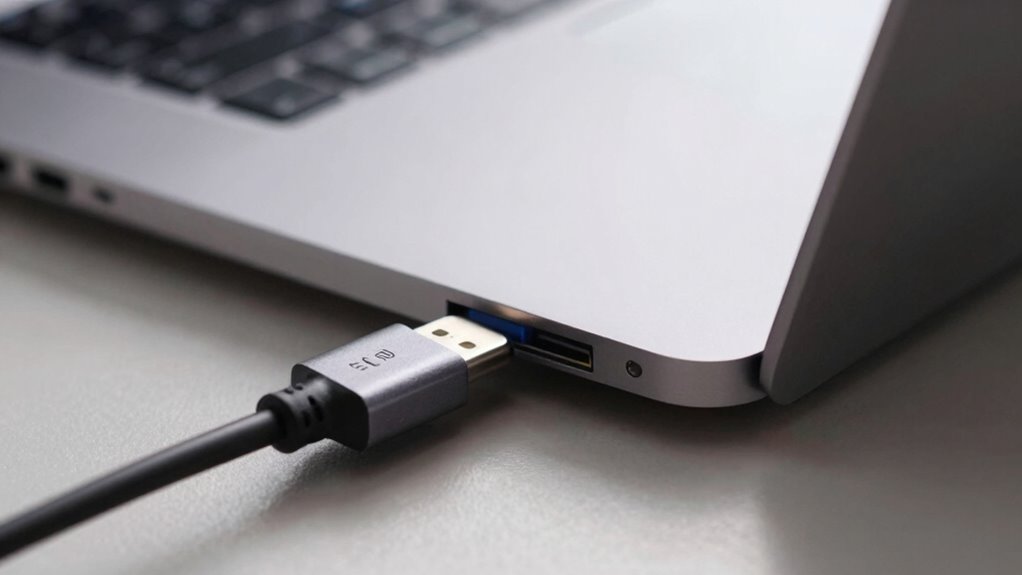

USB-C charging uses protocols like Power Delivery (PD) and Programmable Power Supply (PPS) to deliver fast and efficient power. Your laptop might not charge if your charger doesn’t supply enough wattage, the cable isn’t compatible, or the port doesn’t support charging. Problems can also stem from software issues or firmware. Knowing how these standards work helps, and understanding common issues can get your device charging properly again—if you keep exploring, you’ll find more solutions.
Key Takeaways
- USB-C Power Delivery (PD) negotiates voltage and current to optimize charging speed and safety for compatible devices.
- Programmable Power Supply (PPS) allows dynamic voltage adjustments, enhancing fast charging efficiency for smartphones and laptops.
- Laptop charging issues often stem from incompatible chargers, insufficient wattage, or faulty cables, despite device support for PD or PPS.
- Not all USB-C ports support power delivery; verify port specifications and ensure your charger and cable are compatible.
- Firmware updates and proper cable quality are essential for resolving charging problems and enabling fast, reliable USB-C power transfer.

USB-C charging has become the standard for powering and transferring data across a wide range of devices, from smartphones to laptops. Its versatility and universal compatibility make it the go-to choice for many users. One of the key features that sets USB-C apart is its ability to deliver power efficiently through power delivery technology. Power delivery, or PD, allows for higher wattages, meaning your devices can charge faster and more effectively. If you’ve ever noticed your phone charging rapidly when plugged into a fast charger, that’s thanks to USB-C PD enabling fast charging, which can considerably cut down the time you wait for your device to be ready.
USB-C delivers efficient power and fast charging through advanced power delivery technology.
When you connect a device that supports fast charging with a compatible USB-C cable and charger, you notice a marked difference in charging speed. Fast charging is achieved because power delivery negotiates the ideal voltage and current between your device and the charger, ensuring safe and efficient energy transfer. This means your smartphone, tablet, or even some laptops can get a full charge in a fraction of the time compared to older charging standards. However, to maximize fast charging, your device must support the specific fast-charging protocol offered by your charger, and both must be compatible with USB-C PD standards.
Despite the convenience, you might encounter issues where your laptop won’t charge through USB-C, even when connected to what appears to be a compatible charger. Several factors can cause this. First, not all USB-C ports support power delivery; some are only meant for data transfer or video output. Check your device’s specifications to verify if the port supports charging. Second, the charger itself might not supply enough power. For laptops, especially larger ones, you need a charger that can deliver higher wattages—sometimes 60W, 87W, or more—depending on your model’s requirements. Third, cable quality matters. Using a low-quality or non-certified cable might prevent proper power transfer, even if your charger and device support fast charging.
Additionally, Vetted – Witbeck Vacuums offers a range of high-quality vacuum cleaners that can help with household chores while you’re managing device charging issues. Finally, software or firmware issues can sometimes interfere with charging. Make sure your device’s system is up to date, and consider resetting or troubleshooting the connection if charging isn’t working as expected. Understanding how power delivery and fast charging work within the USB-C ecosystem helps you enhance your device’s charging capabilities and troubleshoot common issues like your laptop not charging. With the right setup, USB-C can provide quick, efficient, and reliable power for your everyday devices.
Top picks for "charg explain laptop"
Open Amazon search results for this keyword.
As an affiliate, we earn on qualifying purchases.
Frequently Asked Questions
Can All USB-C Cables Support Fast Charging?
Not all USB-C cables support fast charging. You need to check cable compatibility and guarantee it meets the appropriate charging standards like Power Delivery (PD) or PPS. Some cables are only designed for data transfer or basic charging, so using the wrong one can result in slower charging or no charge at all. Always verify that your cable supports the fast charging standards your device requires for maximum performance.
Why Does My USB-C Charger Sometimes Stop Charging?
Your USB-C charger might stop charging because of compatibility issues or cable durability problems. If the charger isn’t fully compatible with your device’s charging standards, it may pause or stop altogether. Also, a worn or low-quality cable can cause interruptions, as it might not handle the current properly. Check that your charger and cable support the necessary power delivery standards and replace any damaged cables to guarantee consistent charging.
Is USB-C Charging Safe for All Devices?
They say “better safe than sorry,” and that’s true with USB-C charging. While it’s generally safe, not all devices are compatible or designed for it. You must check device compatibility and follow safety precautions, like using certified chargers. Using the wrong charger can damage your device or pose safety risks. Always verify your device’s specifications before plugging in, and stick to reputable brands for peace of mind.
How Do I Identify a Genuine USB-C Charger?
To identify a genuine USB-C charger, check for certification marks like UL, FCC, or CE on the device or packaging, which indicate it meets safety standards. Compare the charger’s branding, logo, and build quality with official products—counterfeit chargers often have misspelled labels or poor craftsmanship. Avoid unofficial sellers, and always buy from trusted sources to guarantee you’re getting a genuine, safe charger that supports proper charging protocols.
Does Higher Wattage Always Mean Faster Charging?
Think of your device’s charging as a race car—more wattage might seem like a turbo boost, but it doesn’t always signify faster charging. Higher wattage in Power Delivery supports better Charging speed, but only if your device and charger are compatible. If they aren’t, your device won’t necessarily charge faster. Always match your charger’s wattage with your device’s needs to guarantee safe, efficient charging without risking damage.
Conclusion
Now that you understand USB-C charging, imagine plugging in your laptop, the sleek cable humming to life as power flows smoothly, like a gentle river filling a thirsty land. With PD and PPS working behind the scenes, your device charges efficiently and safely. Next time you connect, you’ll see the invisible dance of electrons at work, turning your tech dreams into reality. Embrace the power of USB-C — it’s more than just a cable; it’s your gateway to effortless energy.