To save energy during a digital detox, unplug devices when not in use, and adjust your screen brightness and timeout settings to reduce power. Activate power-saving modes and manage background app activity to cut unnecessary energy use. Switch to energy-efficient gadgets and accessories, and use smart power strips and timers. This way, you minimize waste and extend device life. Keep exploring ways to optimize your digital habits for even greater savings and sustainability.
Key Takeaways
- Unplug chargers, printers, and gaming consoles when not in use to prevent standby power drain.
- Enable power-saving modes and reduce background app activity to extend device battery life.
- Adjust display brightness and timeout settings to conserve energy and minimize eye strain.
- Use energy-efficient devices and accessories, such as LED monitors and solar chargers, for sustainable usage.
- Schedule regular device maintenance, updates, and system cleanups to optimize performance and energy efficiency.
Unplug Devices When Not in Use

To reduce unnecessary energy consumption and minimize digital distractions, you should unplug devices when you’re not using them. Many devices continue to draw power even when on standby, wasting energy and increasing your electricity bill. This device standby mode may seem harmless, but it adds up over time. By unplugging gadgets like chargers, printers, and gaming consoles, you actively conserve energy and reduce your carbon footprint. Not only does this practice support energy conservation, but it also minimizes potential electrical hazards and prolongs device lifespan. Using power strips makes it easier to switch off multiple devices at once, ensuring none stay in standby mode longer than needed. Additionally, understanding the importance of energy-efficient practices can help you adopt more sustainable habits. Taking these simple steps helps you be more energy-efficient and environmentally conscious in your daily routine.
Optimize Screen Brightness and Timeout Settings

Adjusting your screen brightness helps diminish eye strain and conserves battery life. Setting shorter timeout periods guarantees your device isn’t wasting power when you’re not actively using it. Enabling adaptive brightness automatically fine-tunes the display, making your screen more comfortable and efficient. Additionally, reducing screen brightness can significantly lower energy consumption and extend device longevity.
Adjust Brightness Levels
Since screen brightness directly affects your eye strain and battery life, setting it just right can make a noticeable difference. Begin by adjusting your device’s brightness to match your environment, avoiding overly bright or dim settings. Proper screen calibration ensures that colors and contrast are accurate, reducing eye fatigue. Keep in mind that a well-calibrated display also helps optimize the display refresh rate, allowing for smoother visuals and less power consumption. Use auto-brightness features if available, as they adapt to ambient light and conserve energy. Regularly review your brightness levels to prevent unnecessary drain, especially when your device is idle. Additionally, understanding AI-driven solutions can help you optimize device settings more efficiently. By fine-tuning these settings, you’ll enjoy a more comfortable viewing experience while extending your device’s battery life.
Set Shorter Timeout Periods
Setting shorter timeout periods for your screen helps conserve battery life and reduces eye strain by turning off the display more quickly when you’re not actively using your device. This simple adjustment encourages your device to enter sleep mode faster, saving energy and extending battery life. To optimize device sleep and energy conservation, consider these tips:
- Set your screen to turn off after 15-30 seconds of inactivity
- Adjust device sleep settings in your device’s preferences
- Use quick-access shortcuts to manually activate sleep mode
- Regularly review timeout periods to find a balance between usability and conservation
- Be aware that narcissistic traits such as manipulation and entitlement can sometimes lead to excessive device use as a form of validation or control, so setting limits can also help manage digital habits effectively.
Enable Adaptive Brightness
Enabling adaptive brightness automatically adjusts your screen’s brightness based on ambient light, helping you save energy and reduce eye strain. When you turn on adaptive brightness, your device uses sensors to detect surrounding light levels and modifies the display accordingly. In bright environments, it increases brightness for better visibility; in darker settings, it dims the screen to prevent glare and conserve battery. This feature not only extends your device’s battery life but also makes viewing more comfortable. To activate it, go to your display settings and toggle on adaptive brightness or auto-brightness. By optimizing your screen’s brightness with ambient light conditions, you minimize unnecessary energy consumption and create a more comfortable viewing experience, contributing to a more mindful digital routine. Incorporating technology in automation can further improve energy efficiency by enabling smarter device adjustments.
Use Power-Saving Modes and Battery Optimization Features
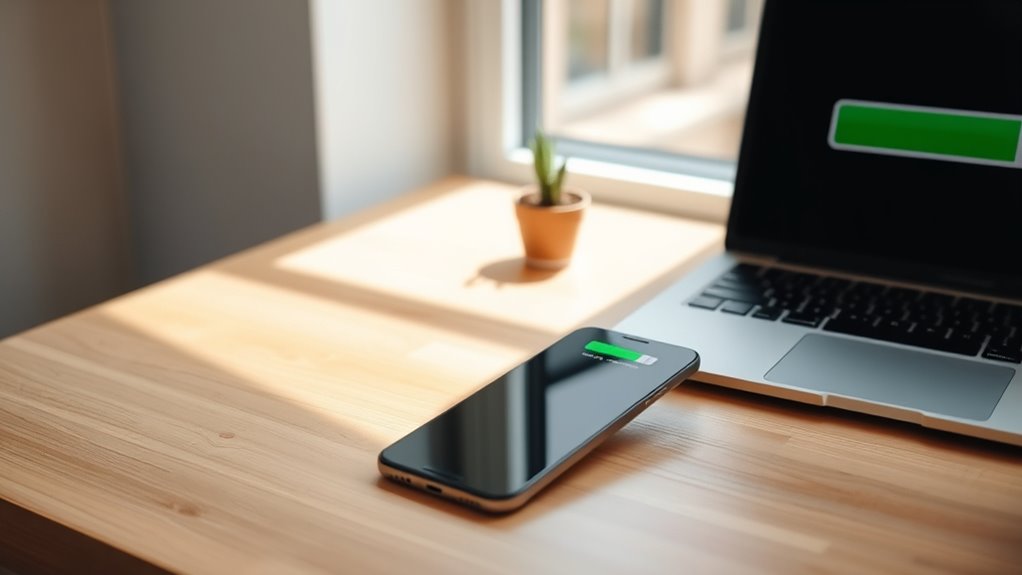
Using power-saving modes and battery optimization features can substantially extend your device’s battery life during a digital detox. These features minimize background activity and reduce energy consumption, helping your device last longer. To maximize their benefits, activate power saving modes when your battery drops below a certain level. Battery optimization settings can also limit app activity and background data, conserving energy. Here are some ways to make the most of these features:
- Enable power saving modes in device settings
- Adjust screen brightness to a lower level
- Turn off unnecessary notifications and background app refresh
- Close apps running in the background that you don’t need
- Optimize device performance by managing background processes and using energy-efficient apps
Implementing these strategies ensures your device consumes less power, prolongs usage time, and supports your goal of a more mindful digital detox.
Upgrade to Energy-Efficient Gadgets and Accessories
Upgrading to energy-efficient gadgets and accessories can considerably reduce your overall power consumption, making your digital detox more sustainable. Switch to energy-efficient gadgets like LED monitors, low-power laptops, and smart chargers that consume less energy while still delivering performance. Eco-friendly accessories, such as biodegradable phone cases, rechargeable batteries, and solar-powered chargers, further decrease environmental impact. These upgrades not only cut down your electricity usage but also promote a greener lifestyle. When choosing new devices, look for energy star ratings and certifications that guarantee efficiency. Investing in eco-friendly accessories ensures your devices stay functional without unnecessary waste. Additionally, understanding Bitcoin IRA options can help diversify your investments and contribute to sustainable financial growth. By making these mindful upgrades, you actively contribute to energy conservation while enjoying the benefits of modern, sustainable technology.
Manage and Reduce Background App Activity

You can extend your device’s battery life by limiting app refreshes and disabling backgrounds for apps you don’t use. Keep an eye on your battery usage to identify which apps drain energy the most. Managing these settings helps reduce unnecessary activity and keeps your device running longer. Additionally, monitoring and utilizing Paint Sprayer Reviews & Buying Guides can provide insights into device efficiency and performance optimization.
Limit App Refreshes
To reduce unnecessary background activity and conserve battery life, managing app refresh settings is essential. Lowering app refresh rates prevents apps from updating constantly in the background, saving energy. Adjust your notification settings to limit alerts that trigger app activity, further reducing background use. You can customize which apps refresh automatically and under what conditions. Properly managing cookies and privacy settings can also contribute to overall device efficiency by minimizing unnecessary data exchanges. Consider these strategies:
- Set app refresh rates to manual or less frequent intervals
- Disable background app refresh for seldom-used apps
- Turn off notifications for non-essential apps
- Restrict auto-updates to Wi-Fi only
Disable Unused Backgrounds
Disabling backgrounds for unused apps is an effective way to cut down on unnecessary activity that drains your device’s battery. When apps run in the background, they consume energy even when you’re not actively using them. To minimize this, review your screensaver settings and deactivate any apps that continue to refresh or update automatically. Additionally, opt for simple wallpaper choices rather than animated or live wallpapers, which can increase power consumption. Managing background app activity ensures your device isn’t wasting energy on tasks you don’t need right now. Understanding background activity can help you make informed decisions to extend your device’s battery life. By turning off unnecessary background processes and choosing energy-efficient screensaver and wallpaper options, you help extend your device’s battery life and reduce overall energy use.
Monitor Battery Usage
Ever wondered which apps drain your battery the most? Monitoring your battery usage helps identify power-hungry apps that impact your battery health. By checking app activity regularly, you can spot background processes that unnecessarily consume energy. To optimize your device’s energy efficiency, consider these tips:
- Limit background app refresh to reduce activity.
- Close apps you’re not using.
- Adjust app permissions to prevent unnecessary background work.
- Practice better charging habits, like unplugging once fully charged, to extend battery life.
Tracking your battery usage also helps you understand how app activity affects overall device performance. Managing background activity not only conserves energy but also supports healthier charging habits, ultimately prolonging your device’s lifespan. Staying vigilant about app activity is key to a more energy-efficient digital routine.
Schedule Regular Device Maintenance and Updates

Scheduling regular device maintenance and updates guarantees your gadgets run smoothly and securely. By sticking to maintenance schedules, you help extend your device’s lifespan and prevent performance issues. Regular updates patch security vulnerabilities and improve efficiency, reducing unnecessary energy consumption. Clear storage management, removing unused apps, and cleaning hardware also boost device performance. Set reminders to check for software updates and perform system cleanups periodically. This proactive approach minimizes glitches and keeps your device running at prime efficiency, ultimately saving energy and prolonging its usability. Taking these small steps ensures your device remains reliable and energy-efficient, reducing the need for frequent replacements and supporting a more sustainable digital routine. Consistent maintenance is key to maximizing your device’s lifespan and minimizing energy waste.
Limit Screen Time and Digital Engagement

Limiting your screen time and digital engagement is essential for maintaining your mental and physical well-being. Practicing digital mindfulness helps you stay aware of how much time you spend online and encourages intentional use. A screen detox can refresh your mind and reduce energy consumption. To manage this effectively:
- Set specific time limits for social media and gaming
- Schedule tech-free periods during the day
- Turn off notifications to avoid distractions
- Use apps to monitor and restrict screen usage
Implement Smart Power Strips and Timers
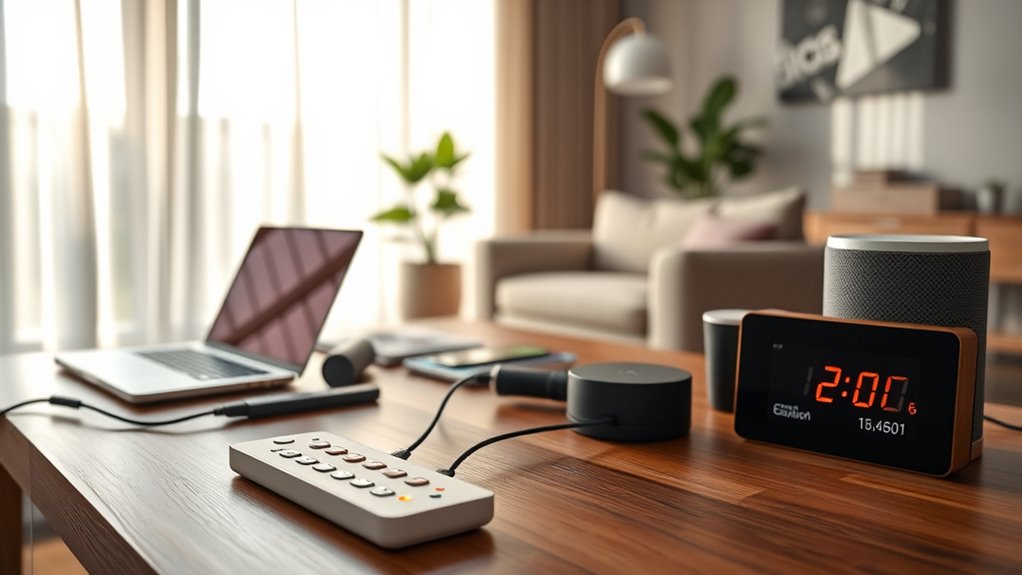
Implementing smart power strips and timers is an effective way to automatically reduce energy consumption and minimize unnecessary device use. Smart power strips allow you to control multiple devices simultaneously, turning them off when not in use or during specific hours. By connecting your electronics to these power strips, you prevent phantom energy drain from devices that stay plugged in but aren’t actively being used. Timers add an extra layer of automation, scheduling power cuts during overnight hours or whenever you’re away. These tools help you cut down on wasted energy and lower your electricity bills. Plus, they’re easy to install and operate, making it simple to incorporate energy-saving habits into your daily routine. With smart power and power strips, you gain better control over your device energy use effortlessly.
Utilize Cloud Services to Minimize Local Storage Power Use

Using cloud services can substantially reduce the energy used by local storage devices. Instead of maintaining large files on your device, you can rely on cloud storage to save space and energy. This minimizes the power consumption of your device’s internal storage and reduces hardware wear. Plus, data synchronization ensures your files stay up-to-date across all devices without manual transfers. Adopting cloud services lets you access your data anywhere, anytime, with less energy drain. To maximize efficiency, consider these points:
- Use cloud storage for large files and backups
- Enable automatic data synchronization
- Limit local copies of files to essential documents
- Regularly review and delete unnecessary data stored locally
Educate Yourself on Sustainable Digital Practices

To make more sustainable digital choices, it’s vital to educate yourself on eco-friendly practices and their impact. Understanding how energy efficient data centers operate helps you reduce your digital footprint. Adopting sustainable digital habits, like limiting unnecessary streaming or downloads, minimizes energy use. Awareness of how data storage affects energy consumption encourages smarter choices. Here’s a quick comparison:
| Practice | Impact |
|---|---|
| Using energy-efficient data centers | Reduces overall energy consumption |
| Unnecessary device usage | Increases power waste |
| Cloud storage optimization | Lowers energy needed for data management |
| Regular device maintenance | Ensures devices run efficiently |
| Digital decluttering | Reduces data storage demands |
Educating yourself empowers you to make choices that support a greener digital environment.
Frequently Asked Questions
How Can I Identify Which Devices Consume the Most Energy?
To identify which devices consume the most energy, you should focus on their power usage. Use energy monitoring tools or smart plugs that track each device’s consumption in real-time. Check your device settings for power consumption details or consult the user manual. By monitoring energy usage actively, you’ll easily spot high-consuming devices and take steps to reduce their power draw, saving energy and lowering your bills.
Are There Specific Apps That Drain Power More Than Others?
Your phone’s app power can surprisingly drain your battery faster than you think—some apps are like tiny energy-hungry monsters! Certain social media, streaming, and gaming apps are notorious for causing major battery drain. These apps keep your device awake longer and use more power, making your battery life vanish in no time. Keep an eye on app power and limit those energy vampires to extend your device’s battery life.
What Are the Environmental Impacts of Digital Device Manufacturing?
Manufacturing your digital devices impacts the environment through resource extraction and manufacturing emissions. You contribute to these effects when devices are produced, often involving mining for minerals and energy-intensive processes. This leads to habitat destruction, pollution, and greenhouse gases. By understanding this, you can make more eco-friendly choices, like extending your device’s lifespan or recycling responsibly, to reduce the environmental footprint associated with manufacturing emissions and resource extraction.
How Does Digital Detox Contribute to Overall Energy Conservation?
Did you know that reducing your screen time can cut your device energy use by up to 30%? A digital detox helps you break bad device habits, lowering unnecessary energy consumption. By unplugging and limiting your device usage, you not only save power but also reduce your carbon footprint. Making conscious choices about your screen time promotes energy conservation and helps protect the environment.
Can Energy-Efficient Gadgets Improve Device Lifespan?
Energy-efficient gadgets can indeed improve your device’s battery life and overall longevity. When you choose devices designed to consume less power, they generate less heat and experience less wear over time. This means your gadgets stay functional longer, reducing the need for frequent replacements. By investing in energy-efficient technology, you help extend your device’s lifespan while also conserving energy, making it a smart and eco-friendly choice.
Conclusion
Think of your devices as tiny engines, each burning fuel with every use. By unplugging, optimizing, and upgrading, you’re steering a ship away from stormy energy waste toward calmer, greener waters. Limit your digital voyage, manage background currents, and embrace smarter power tools. With mindful actions, you become the captain of your energy journey, guiding your devices to run smoothly and sustainably—turning your digital world into a haven of balance and conservation.